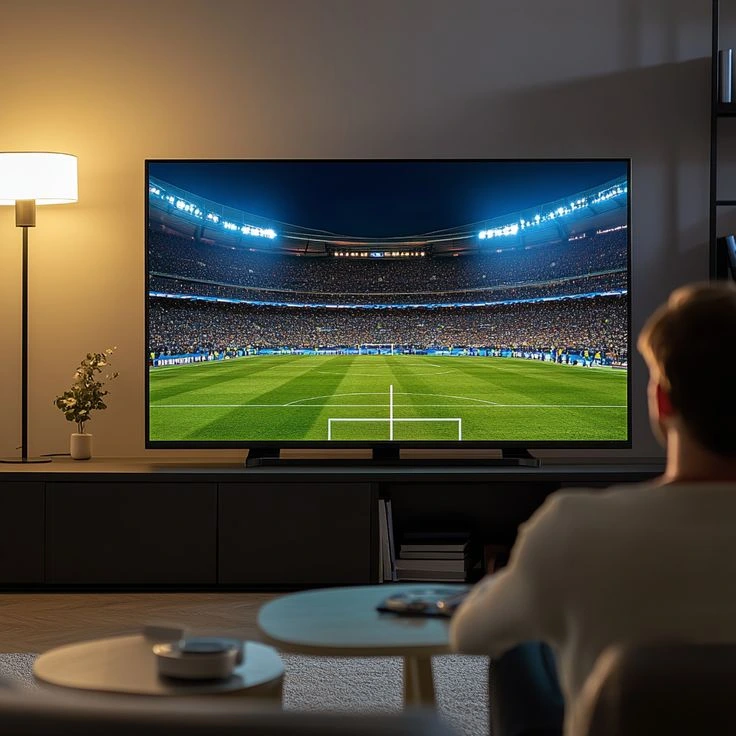
One of the more underrated questions to ask before subscribing to any IPTV service: will it actually work on everything you own? A subscription that only behaves well on one device type turns into a headache the moment someone wants to watch on their phone instead of the living room TV.
The Devices That Actually Matter
Most households juggle a mix without thinking about it — a Firestick on the main TV, a laptop for late-night viewing, a phone for commuting. A subscription worth having covers all of it from one login:
- Amazon Firestick / Fire TV
- Samsung and LG Smart TVs
- Android phones, tablets and TV boxes
- iPhone, iPad and Mac
- Windows PCs
- MAG boxes
Why the Player App Matters as Much as the Provider
The provider supplies the stream; the player app is what you actually interact with. IPTV Smarters Pro and TiviMate are the two most widely supported apps across every device on that list, both built around the same M3U/Xtream Codes login format most providers use — including BestIPTVFirestick.
Multi-Device Plans
If more than one person in the household streams at once, check the plan's simultaneous-stream limit before assuming "multi-device" means "unlimited at the same time." Standard vs Plus covers exactly this trade-off.
Testing Before You Commit
The most reliable way to confirm compatibility is to actually try it on your own hardware. A 24-hour trial costs nothing and removes the guesswork entirely.